English
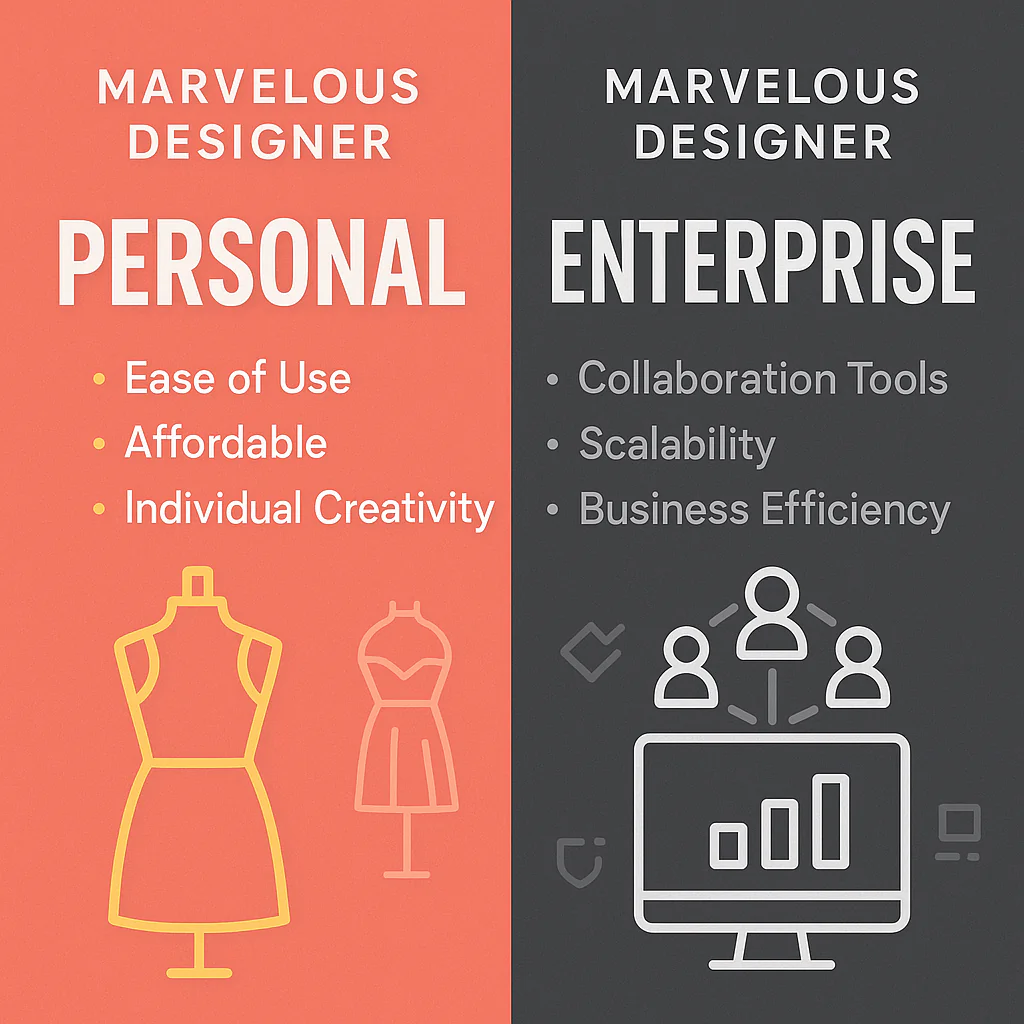
Marvelous Designer Enterprise is a standalone 3D design tool for creating virtual garments, whereas fashion workflow software manages the entire product lifecycle. While design teams create realistic digital prototypes in Marvelous Designer, that 3D asset exists separately from the bill of materials, costing data, and other specifications. This separation creates data silos and manual work when moving to production. This post explains how fashion workflow software is distinct from a 3D creation tool and details how it connects the virtual sample to the data required for a complete, factory-ready tech pack.
In the evolving landscape of fashion-tech, Marvelous Designer stands as a pillar of creative empowerment. Its physics-based simulation allows designers to drape, stitch, and visualize fabrics on virtual avatars with an unparalleled degree of realism. This isn't just for cinematic A-listers or game characters anymore; Marvelous Designer Enterprise has become a go-to for fashion houses looking to prototype designs, create virtual marketing assets, and reduce their reliance on initial physical samples. The ability to see how a silk charmeuse will flow versus a heavy canvas, all before a single yard of fabric is cut, is revolutionary.
But this revolution often stops dead in the design department. The stunning 3D model created in Marvelous Designer is, in essence, a beautiful but isolated artifact. The critical production data, the graded measurements, the precise stitch types, the Bill of Materials (BOM), the trims, the colorway specifications, the care instructions, doesn't live inside that 3D file. This forces teams back into an analog or semi-digital nightmare. Technical designers manually transfer measurements. Product developers chase down costing information in separate spreadsheets. Merchandisers give feedback on static screenshots attached to long email chains, leading to version control chaos. This is the digital chasm: the significant gap between a world-class 3D creation tool and the structured, collaborative workflow needed for efficient manufacturing.
Every manual data transfer is a potential point of failure. Every emailed approval is a bottleneck. The very speed and agility gained by designing in 3D are lost in the friction of a disconnected production workflow. To truly capitalize on the digital promise, brands must bridge this gap, connecting the visual source of truth in 3D with the logistical source of truth required for production.
To understand how to bridge the gap, it's crucial to see where each tool's responsibilities begin and end. Marvelous Designer is a specialized instrument for virtual creation, while fashion workflow software is the connective tissue for the entire design-to-market process.
Comparison: Core Capabilities in the Design-to-Market Pipeline

Marvelous Designer Enterprise is an artist's tool, built for supreme creative expression. Its power lies in its unparalleled ability to simulate reality. For a designer, this means freedom. You can experiment with silhouettes, test fabric pairings, and perfect the drape of a garment without ever touching a sewing machine. This iterative process is a shift for look development, reducing the number of costly and time-consuming physical samples needed to finalize a design's aesthetic.
The "Enterprise" version builds upon this creative foundation with features aimed at professional teams. This includes things like advanced animation tools for virtual catwalks, compatibility with other 3D software in the production pipeline (like Maya, 3ds Max, or Cinema 4D), and potentially more reliable file management. It's optimized for creating high-fidelity assets that can be used for everything from internal design reviews to final e-commerce imagery and metaverse experiences.
However, its focus is sharp and narrow: the creation and simulation of the virtual garment. It is fundamentally a content creation application. It is not designed to be a project management or data management system. Asking Marvelous Designer to manage your production specifications is like asking a master sculptor to also manage the quarry's logistics and shipping schedule. The tool can provide the blueprint (the 2D patterns and a visual reference), but it doesn't manage the supply chain, the costing, the measurement charts for six different sizes, or the feedback log from your technical designer and factory manager. Its outputs, 3D models, renders, and 2D pattern files, are crucial inputs for the next stage of the process, but the tool itself does not manage that stage.
This is where fashion workflow software enters the picture. If Marvelous Designer is the artist's studio, workflow software is the production manager's office, the technical designer's desk, and the central library all rolled into one. It's not a single application but a category of software designed to structure the chaotic process of turning a design concept into a manufacturable product. It's more agile and design-focused than a full-blown Product Lifecycle Management (PLM) system, which often extends deep into inventory and retail management.
The primary function of workflow software is to create a "single source of truth." It acts as a central hub where all product-related information and assets are stored, linked, and updated in real-time. A typical workflow looks like this:
1. A new style is created in the system.
2. The designer uploads their final renders and turntable videos from Marvelous Designer.
3. The technical designer uploads the corresponding DXF pattern files and builds out the graded measurement spec sheet directly within the platform.
4. The product developer builds the BOM, pulling fabrics and trims from a centralized library that contains supplier and cost information.
5. All of this information automatically populates a dynamic, web-based tech pack.
6. Team members are tagged for review. Their comments, markups, and approvals are logged directly on the tech pack, creating a complete history of every decision.
7. Once approved, a unique, shareable link to the tech pack is sent to the factory, ensuring they always have the latest version.
The true power here is connectivity. The BOM is connected to the tech pack, which is connected to the comments, which are connected to the 3D visual. Changing a fabric in the BOM can automatically update the tech pack. A comment on a measurement spec is visible to everyone, eliminating the risk of someone working from an outdated email attachment. This orchestrated process drastically reduces errors, clarifies communication, and provides complete visibility into a product's development status.
The choice is rarely "either/or." For any brand producing physical goods, the real question is how to make these two powerful toolsets work together. The right approach depends entirely on identifying your primary bottleneck.
Scenario 1: You are a 3D artist or virtual fashion designer.
If your primary output is digital assets for games, marketing, or the metaverse, and you have no intention of producing physical garments, Marvelous Designer Enterprise is likely all you need. Your deliverable is the 3D file itself, and you don't have the complexities of BOMs, tech packs, or factory communication.
Scenario 2: You are an indie designer or a small, agile brand.
This is where the combination is most critical. You are likely using Marvelous Designer to save on sample costs and design faster. Your biggest bottleneck is the manual effort and high risk of error in translating your 3D vision into a factory-ready tech pack. A spreadsheet-based tech pack is a liability. You need both MD for creation and an accessible, easy-to-use workflow software to professionalize your production process and ensure your factory gets clear, accurate instructions.
Scenario 3: You are a mid-to-large scale brand.
Your design teams are already using Marvelous Designer or competitive 3D software. Your bottleneck isn't creative output; it's operational inefficiency. The approvals process is slow, involving too many people across siloed departments. Information is scattered across servers, email inboxes, and legacy PLM systems. For you, adopting a modern fashion workflow software is about process optimization, scalability, and data integrity. Integrating 3D renders into this workflow provides critical visual context, but the main ROI comes from streamlining collaboration and reducing the time it takes to get from design lock to final PO. This is where emerging agentic AI workflows are beginning to automate the connections between these systems, further accelerating the entire cycle.
Adopting a new system can feel daunting, but a phased approach can make the transition smooth and highlight the benefits quickly. Follow these steps to bridge your own digital chasm.
Step 1: Audit Your Current Process.
Before you change anything, map out your existing workflow from initial concept to tech pack hand-off. Where do the longest delays occur? Where do the most expensive mistakes happen? Is it in manually creating spec sheets? Is it waiting for email approvals? Is it a factory misinterpreting a screenshot? Be honest about your pain points.
Step 2: Define Your Single Source of Truth.
Make a conscious decision that from now on, the master file for any given style will not be a folder on a server or an email thread. It will be the style's dedicated page within your new workflow software. This is a critical mindset shift. All assets, 3D renders, pattern files, inspiration images, get linked or uploaded to this central hub.
Step 3: Establish a Clear Handoff and Data Protocol.
Define the specific outputs required from Marvelous Designer at the "design final" stage. This should be a standardized package, for example: one front view render, one back view render, one 360-degree turntable video, and the final 2D pattern file in DXF format. This package is then formally handed off by uploading it to the style in your workflow software, triggering a notification for the technical design team to begin their work.
Step 4: Pilot and Measure.
Don't try to switch your entire collection overnight. Choose a single product or a small capsule to run through the new, integrated workflow. Track it meticulously. How long did it take to create the tech pack compared to the old way? How many rounds of revisions were needed? At the end of the pilot, you'll have a clear, data-backed case study to demonstrate the value of the new process to the rest of the company.
The gap between visionary 3D design and scalable production is the final frontier for digital transformation in fashion. Tools like Marvelous Designer provide the creative engine, but it's the intelligent, connected workflow that builds the highway to market. By integrating these systems, you don't just create beautiful designs; you create a resilient, efficient, and modern fashion business. Ready to bridge the gap and connect your design process to your production reality? Start free at thefword.ai.
No. Marvelous Designer is a 3D design and simulation tool. It can generate crucial components for a tech pack, such as 2D pattern files (DXF), high-resolution renders of the garment, and fabric simulation details. However, it does not have features to manage graded measurement tables, construction details, a full Bill of Materials (BOM), or collaborative approval workflows, which are all essential elements of a comprehensive, factory-ready tech pack.
Absolutely not. Workflow software is not a creative tool. It is a project and data management platform that empowers your 3D designer (and the rest of your team) by providing a structured environment for their work. It takes the creative output from a tool like Marvelous Designer and connects it to the logistical and technical data needed for production, ensuring the designer's vision is executed accurately.
While there is overlap, the key difference is scope and focus. Traditional PLM (Product Lifecycle Management) systems are enterprise-level behemoths that often cover the entire product lifecycle from concept through to sales analysis, inventory management, and end-of-life. Fashion workflow software is typically more agile and focused specifically on the "concept-to-production" phase. It prioritizes user experience for design and development teams, collaboration, and the creation of the tech pack and BOM, without the heavy overhead of full-scale enterprise resource planning.
Yes, and this is the ideal scenario. Integration is typically not a direct, one-click process but a workflow-based one. The standard process involves designers finalizing their work in Marvelous Designer and then exporting specific, standardized assets (like renders, videos, and pattern files). These assets are then uploaded to the corresponding style within the fashion workflow software, where they become the visual and pattern reference for the tech pack and BOM.
Once enterprise rollout is scoped, these are the steps each team runs end to end.
Related: pre production workflow software · compare with Fabricant · compare with The New Black