
English
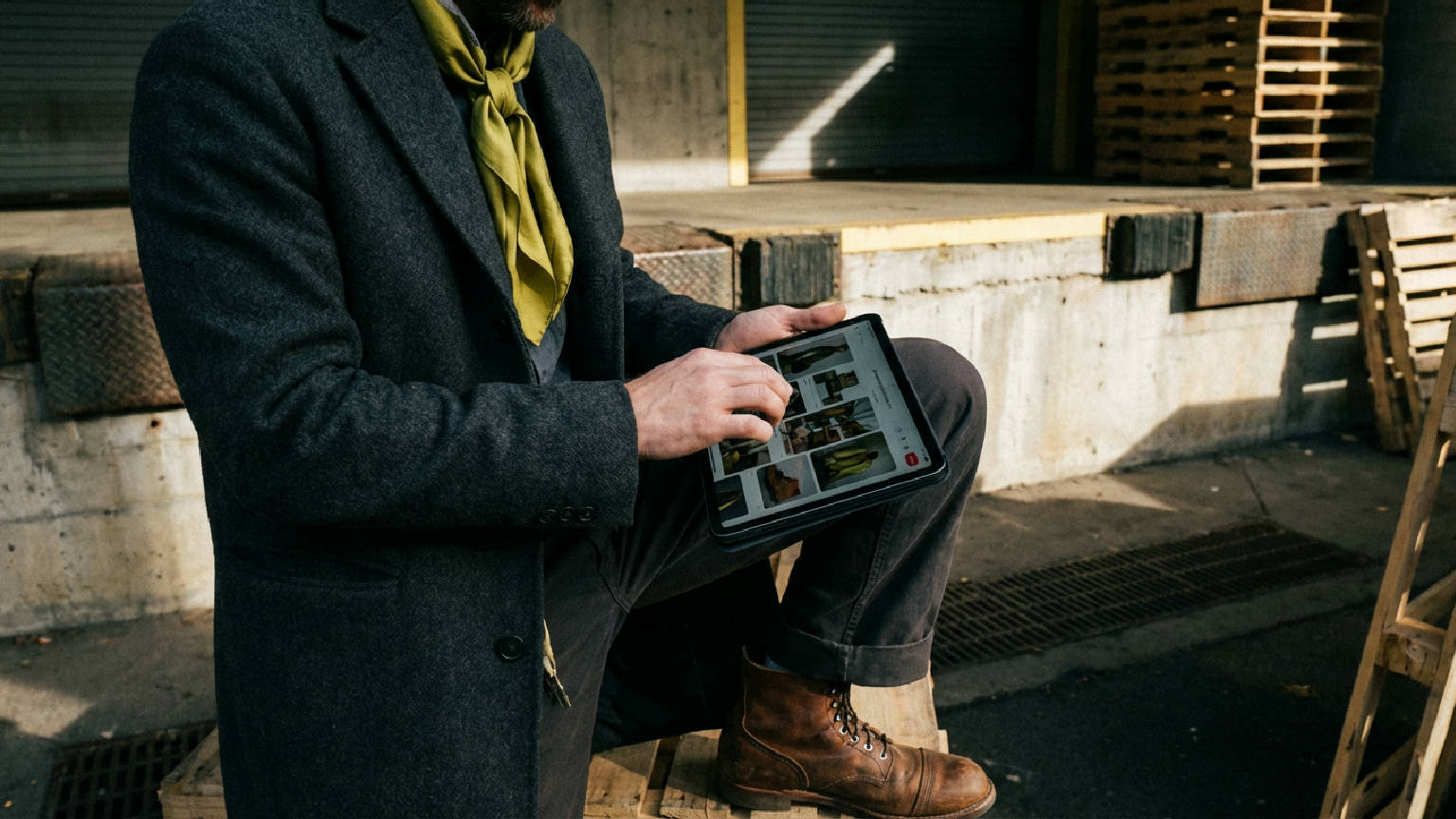
AI fashion workflow software helps fashion teams move from trend, moodboard, sketch, or image to production-ready outputs such as design briefs, tech packs, BOMs, POMs, colorways, and launch assets. The best platform is not the one that creates the prettiest image. It is the one that reduces handoff errors.
That matters because fashion work does not stop at ideation.
A garment image can help a team align on mood, silhouette, or styling direction. It cannot tell a vendor how to quote, sample, measure, revise, approve, or launch the product. A real fashion workflow has more pressure points: creative direction, sketch interpretation, product logic, material choices, tech pack generation, vendor handoff, sample review, revision history, and launch content.
The best AI fashion workflow software in 2026 should connect those steps.
It should help a creative director protect brand direction, help a designer turn references into structured garment ideas, help a technical designer prepare cleaner first-pass specs, help product development reduce vendor questions, and help merchandising move approved product data into launch assets.
The F* Word is built for that kind of workflow continuity. A creative input should not die as a disconnected image. It should become a structured product artifact that moves through design, technical development, production handoff, and launch.
For teams comparing this category, the question is simple: does the tool help fashion work move, or does it only create visual output?
This is not for someone looking for a toy image generator. This is for teams that need fashion work to move.
A fashion workflow includes taste, speed, technical accuracy, communication, and control. A tool that supports only one of those areas can still be useful, but it will not solve the full product path.
Creative directors need speed without losing the brand’s point of view. Fashion designers need to turn sketches, references, and styling cues into structured garment ideas. Technical designers need cleaner drafts, better measurement logic, and construction clarity. Product developers need fewer vendor loops. Merchandisers need approved product information that carries into launch.
Use this buyer’s guide if you are comparing AI fashion workflow software, AI fashion design workflow tools, AI tech pack software, sketch-to-tech-pack tools, 3D visualization platforms, or PLM-adjacent systems.
The buying mistake is easy: choosing the tool that produces the strongest-looking image, then discovering the team still has to rebuild the product manually.
That is not workflow software. That is a visual starting point.
| Buyer | What they need |
|---|---|
| Creative Director | Faster concept exploration without losing brand direction |
| Fashion Designer | Convert sketches and references into structured garment ideas |
| Technical Designer | Cleaner first-pass specs, flats, measurements, and construction notes |
| Product Developer | Fewer vendor questions, fewer sample loops, faster costing |
| Merchandiser | Better launch readiness, stronger assortment alignment, faster asset generation |
For a designer, the value is not “AI made me an image.” The value is “I can turn a sketch, moodboard, or reference into a product direction that technical design and development can use.”
For a technical designer, the value is not “AI wrote some copy.” The value is “I get a cleaner starting point for flats, POMs, construction notes, tolerances, and grading.”
For a product developer, the value is not “the presentation looks better.” The value is “the vendor has fewer reasons to ask what we meant.”
That is how this category should be judged.
AI fashion workflow software should sit between inspiration and production.
It should not force teams to jump from moodboard to spreadsheet with a dozen manual rebuilds in between. It should capture creative intent, structure product decisions, generate design and technical artifacts, support review, and prepare outputs for vendor handoff or launch.
The strongest platforms do four jobs well.
First, they read creative input. That could be a moodboard, sketch, prompt, reference image, trend direction, or written brief.
Second, they generate structured design work. That means garment concepts, options, flat sketches, and design direction that can be edited.
Third, they create production-facing documentation. That includes specs, BOMs, POMs, grading, construction notes, flats, colorways, approvals, and revision history.
Fourth, they keep the workflow connected. The approved design should feed the tech pack. The tech pack should support vendor handoff. Vendor feedback should update the revision trail. Approved product data should support launch assets.
Without that connection, teams fall back into the old pattern: one tool for images, one file for specs, one sheet for BOM, one PDF for vendor handoff, one deck for launch, and one long argument about which version is current.
| Capability | Why it matters |
|---|---|
| Creative direction intake | Converts moodboards, prompts, references, and trends into structured direction |
| Design generation | Creates garment concepts without separating visuals from product logic |
| Tech pack generation | Produces specs, BOM, POM, construction notes, flats, and colorways |
| Factory handoff | Gives vendors enough detail to sample, quote, and revise |
| Workflow memory | Keeps briefs, specs, revisions, and approvals connected |
| Launch asset creation | Generates lookbook, AI photoshoot, and merchandising assets from approved product data |
| Collaboration | Lets teams review, comment, approve, and revise without losing context |
| Export readiness | Supports PDF, spreadsheet, image, and PLM-friendly handoff formats |
This checklist separates real workflow software from a creative toy.
A fashion image generator can be useful. It can help teams explore faster. But it usually stops before the work becomes operational.
AI fashion workflow software should carry the work forward.
A moodboard should become a brief. A brief should become design options. An approved design should become technical product data. That product data should become a tech pack. The tech pack should support sampling, vendor review, and launch.
For teams focused on factory documentation, read AI Techpacks.
Designer or merchandiser? Replace the spreadsheet handoff.
The F* Word generates moodboards, factory-readable tech packs and sampling notes in one workflow, so creative, production and merchandising stay aligned. Free to try.
| Platform type | Best for | Main output | Where it breaks | Best buyer |
|---|---|---|---|---|
| The F* Word | Creative direction to factory-ready tech pack and launch workflow | Design concepts, tech packs, BOM, POM, colorways, launch assets | Not intended to replace specialist CAD pattern software | Brands, product teams, technical designers, merchandisers |
| FashionINSTA | Sketch-to-pattern and DXF-led pattern intelligence | Pattern-oriented outputs and sketch-to-DXF workflows | Pattern output alone does not solve full production handoff | Pattern-focused teams and designers needing geometry-first output |
| CLO3D / Style3D / Browzwear | 3D garment simulation and technical visualization | 3D garments, drape simulation, visual validation | Specialist skill requirement and slower workflow adoption | 3D designers and technical visualization teams |
| Generic AI image generators | Fast visual ideation | Images and style references | No BOM, POM, grading, construction logic, or factory handoff | Creators, marketers, early ideation teams |
| Traditional PLM | Enterprise product data management | Structured product records and workflow approvals | Usually not built for AI-native creative-to-tech-pack generation | Large enterprises managing mature product data systems |
This comparison shows the practical buying decision.
If your team needs pattern geometry, choose a pattern-focused tool.
If your team needs 3D garment validation, choose a 3D simulation platform.
If your team needs fast concept visuals, a generic image tool may be enough.
If your team needs creative direction, garment concepts, factory-ready tech packs, BOMs, POMs, colorways, approvals, launch assets, and vendor handoff in one connected process, you need AI fashion workflow software.
That is where The F* Word fits.
The category is not about replacing every specialist tool. It is about reducing the breaks between tools, teams, and decisions.
This is the workflow that buyers should expect in 2026.
The input starts broad. A trend signal becomes a moodboard or creative brief. The team turns that direction into garment concepts. AI helps generate variants, but those variants need product logic behind them. The selected direction then moves into a factory-ready tech pack with BOM, POM, grading, construction notes, and colorways.
From there, the workflow supports sampling and vendor review.
After approval, the same product data can feed launch assets, merchandising content, and product storytelling.
This matters because every handoff creates risk.
If the moodboard is disconnected from the design file, intent gets diluted.
If the design file is disconnected from the tech pack, technical teams rebuild from scratch.
If the tech pack is disconnected from vendor comments, revisions scatter.
If approved product data is disconnected from launch assets, merchandising and marketing work from old information.
Workflow software reduces those breaks.
The wrong AI fashion tool creates a false sense of progress.
A team feels faster because it can create images quickly. Then development slows down because the image has no specs, no measurements, no construction logic, no approvals, and no handoff structure.
That gap is expensive.
Pretty visuals can make a direction look more complete than it is. Pattern outputs can make a product seem production-ready when sourcing still lacks BOMs, trims, labels, packaging, and costing detail. Generic AI text can make a tech pack sound complete while missing core production fields.
Bad tooling does not always fail in the first meeting. It fails during sampling, costing, vendor review, and launch.
| Failure | What happens |
|---|---|
| Pretty image, no spec | Designer loves the visual, technical team has to rebuild the product manually |
| Pattern without BOM | Factory can cut, but cannot cost or source cleanly |
| No POM logic | Fit issues show up during sampling, not before |
| No revision trail | Teams argue over which version is approved |
| No construction notes | Vendor fills gaps with assumptions |
| No colorway control | Sales, design, and production work from mismatched versions |
| No launch connection | Merchandising assets drift away from the approved garment |
These are not edge cases. They are normal product development problems with faster packaging.
A team buys an AI tool to move faster, but the workflow still breaks at the same old points.
The creative director approves a strong visual direction. The designer sends it forward. The technical designer asks for measurements. Product development asks for materials. The vendor asks for construction notes. Merchandising asks which colorways are final. Marketing asks which product details are approved.
If the tool cannot answer those questions, it has not solved the workflow.
It has only accelerated ideation.
That still has value, but it is not enough for brands trying to reduce sample loops, protect brand direction, and improve launch readiness.
The F* Word is built around workflow continuity. A creative input should not die as a disconnected image. It should become a structured product artifact that moves through design, technical development, production handoff, and launch.
That is the category problem.
Fashion teams do not need more isolated outputs. They need fewer dead ends.
The F* Word focuses on the path from creative input to usable product output. A team can start with a sketch, moodboard, reference, image, or concept. The workflow helps translate that input into structured garment direction, technical data, AI tech packs, and launch-ready content.
The product page states AI tech packs with POMs, BOMs, specs, and grading in under 10 minutes, plus proprietary garment records tied to factory outputs. That proof point matters because it ties the tool to production documentation, not only creative generation.
That is the difference buyers should look for.
A basic AI image tool helps a team imagine a garment.
The F* Word helps a team move a garment.
It supports the handoff from creative direction into technical documentation. It helps reduce ambiguity before sampling. It keeps product decisions closer to the workflow where they are needed: design, development, production, merchandising, and launch.
For teams asking whether an AI-generated output is really factory-ready, read /what-is-a-factory-ready-tech-pack.
For teams starting with early creative references, read /moodboard-to-tech-pack-translating-creative-intent-into-executable-specs.
For teams starting from a sketch, read /sketch-to-tech-pack-turn-a-hand-sketch-into-a-factory-ready-tech-pack-with-ai.
Do not start with the demo image.
Start with the handoff.
Ask what happens after the team approves a concept. Can the system create a structured design brief? Can it generate usable flats? Can it support a BOM? Can it create a POM table? Can it handle grading, construction notes, trims, and colorways? Can team members review, revise, and approve? Can the output be exported for vendor use?
The right tool should make the next step easier for every team.
Creative direction should become clearer.
Design should move faster.
Technical development should start from cleaner structure.
Product development should spend less time chasing missing details.
Sourcing should see materials and trims earlier.
Merchandising should work from approved product data.
Launch teams should get assets that match the final garment.
A weak tool can still look impressive in a demo. The real test is whether it survives a production workflow.
Ask these questions before buying:
- Does the tool connect creative input to technical output?
- Does it create editable artifacts, or only static images?
- Does it support BOMs and POMs?
- Does it handle grading, tolerances, construction notes, colorways, approvals, and revision history?
- Does it help vendors sample, quote, and revise?
- Does it support export formats the team can actually use?
- Does it improve launch readiness?
- Does it reduce repeated manual rebuilding?
If the answer is no, the tool may still help with ideation. It is not the best AI fashion workflow software for a brand that needs production movement.
The best AI fashion workflow software is the platform that connects creative direction, design generation, tech pack creation, production handoff, and launch execution. For fashion brands, the main test is whether the output can help a team make, approve, cost, sample, and launch a product.
An AI fashion design app usually creates visuals. AI fashion workflow software connects those visuals to structured product work such as briefs, specifications, BOMs, POMs, colorways, approvals, exports, and launch assets.
No. A sketch-to-pattern tool can help with cut geometry, but production also needs materials, measurements, tolerances, trims, labels, construction notes, colorways, packaging, approvals, and change control.
Look for workflow continuity, editable outputs, production fields, export quality, team collaboration, revision history, and proof that the system can produce technical artifacts, not only images.
Yes, when it reduces ambiguity before the first sample. Cleaner specs, better callouts, consistent measurements, approved visuals, and structured vendor handoff can reduce avoidable sample revisions.
Stop comparing vendors in the abstract. Book a 30-minute working session and we will map your current calendar, name the stage that is bleeding hours, and tell you whether you need us, a competitor, or no new tool at all.
About the author: Nitin Kumar is the CEO and Co-Founder of The F* Word, an AI fashion workflow platform built for creative direction, production readiness, and product launch. He has built and scaled technology businesses across AI, Web3, and fashion technology, with deep experience in pricing, GTM, workflow design, and product commercialization. He is the author of the book The Future of Fashion.
Once the workflow is in place, these are the steps that turn it into shipped product.
Related: cala ai fashion workflow
Get The F* Word workflow insights in your inbox.