
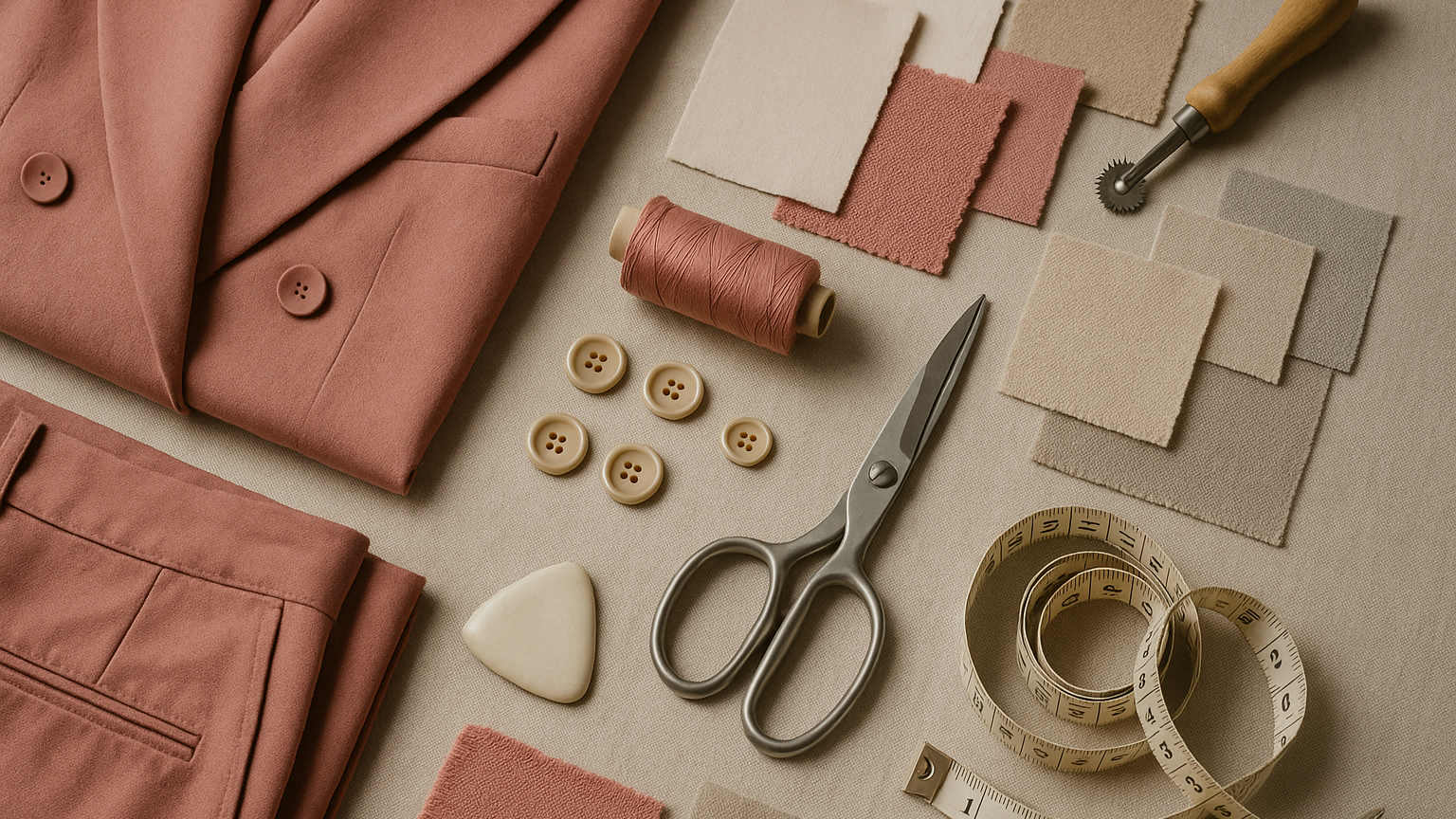
Generative AI for fashion design moved from the demo stage to the workflow stage in 2025. Brand teams now use it for ideation, colorway expansion, mood translation, and first-pass technical drawing. The tools that work inside a brand's day-to-day calendar look very different from the ones that win design awards on social media. This overview covers the practical version.
The goal is not to argue that AI replaces designers. It does not. The goal is to give a brand team a clear map of where generative AI saves time, where it costs more time than it saves, and how to evaluate a tool against a real workflow.
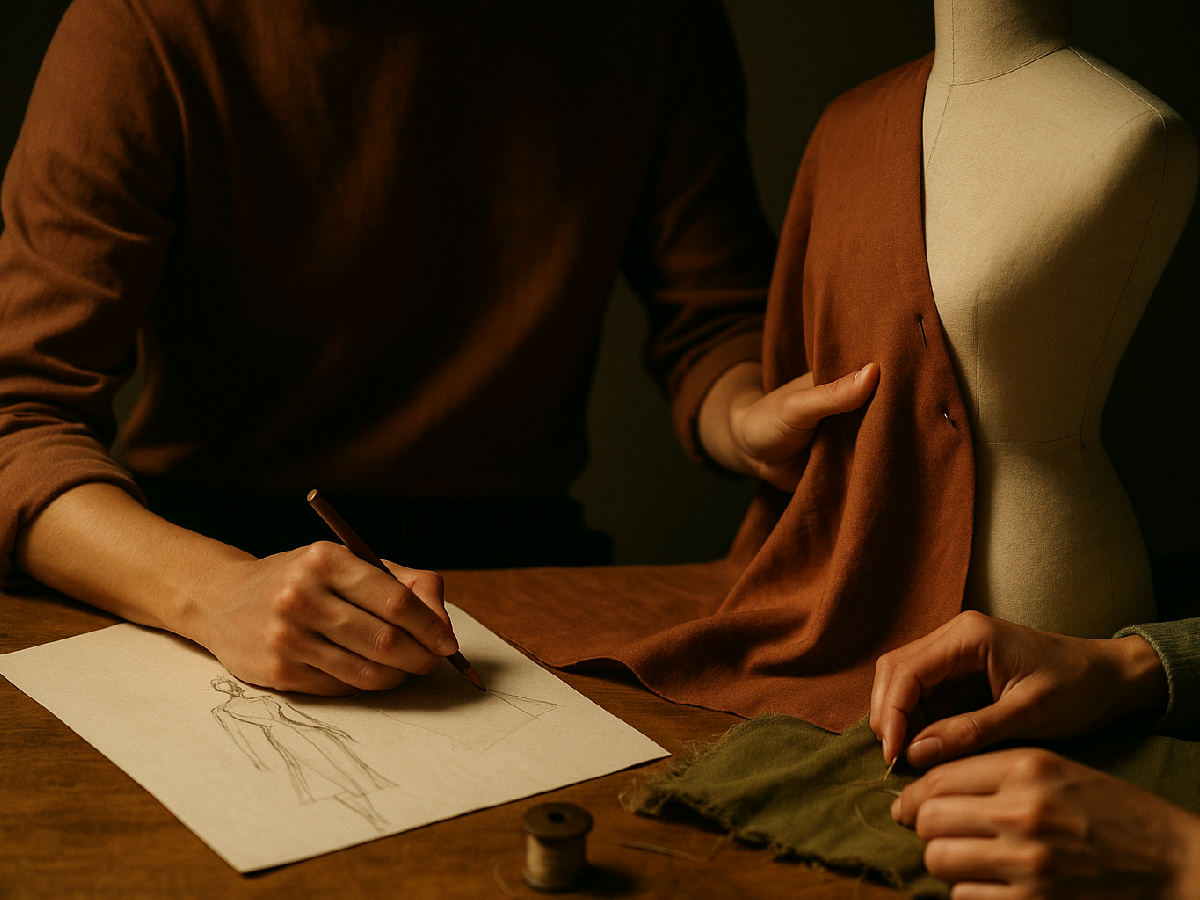
Generative AI in this context means tools that produce visual or technical outputs from a prompt, a reference image, or both. Inside a brand workflow, those outputs fall into 4 buckets:
The first three buckets save real designer time inside the season. The fourth one is downstream of design and lives with the ecommerce team.
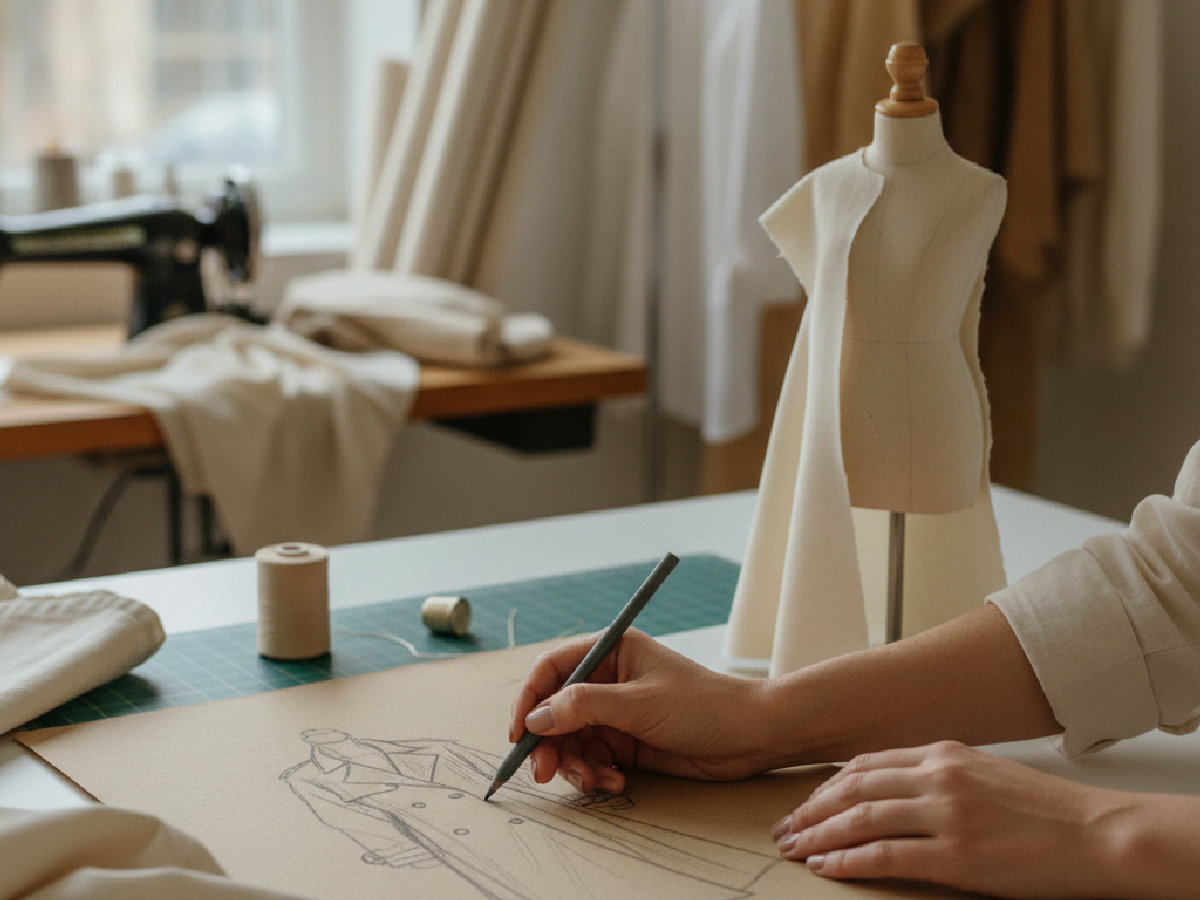
Creative director? Go from trend signal to moodboard and tech pack.
The F* Word turns a real-time trend into a brand-aligned moodboard and the factory-readable tech pack that ships it. One workflow, free to try.
Generative AI is strongest in colorway expansion and ideation. A designer who needed 3 days to produce 50 colorways now needs 3 hours, and the colorways are stronger because the designer spent the saved time editing the AI output rather than producing it from scratch.
It is also strong at translating a moodboard into a first-pass flat sketch. The flat is never factory-ready, but it is a useful conversation starter that saves a designer the 30 minutes of "what does the brief actually mean" sketching at the top of the project.
Generative AI is weak at fit, fabric behavior, and trim placement. A generated image looks like a real garment, but the proportions, drape, and trim positions will not survive a pattern maker's review. Treating the output as a final design causes more rework than it saves.
It is also weak at brand consistency without significant fine-tuning. A generic model produces generic output. The brands that get value from generative AI either fine-tune on their own archive or use a tool that supports a controlled style reference.
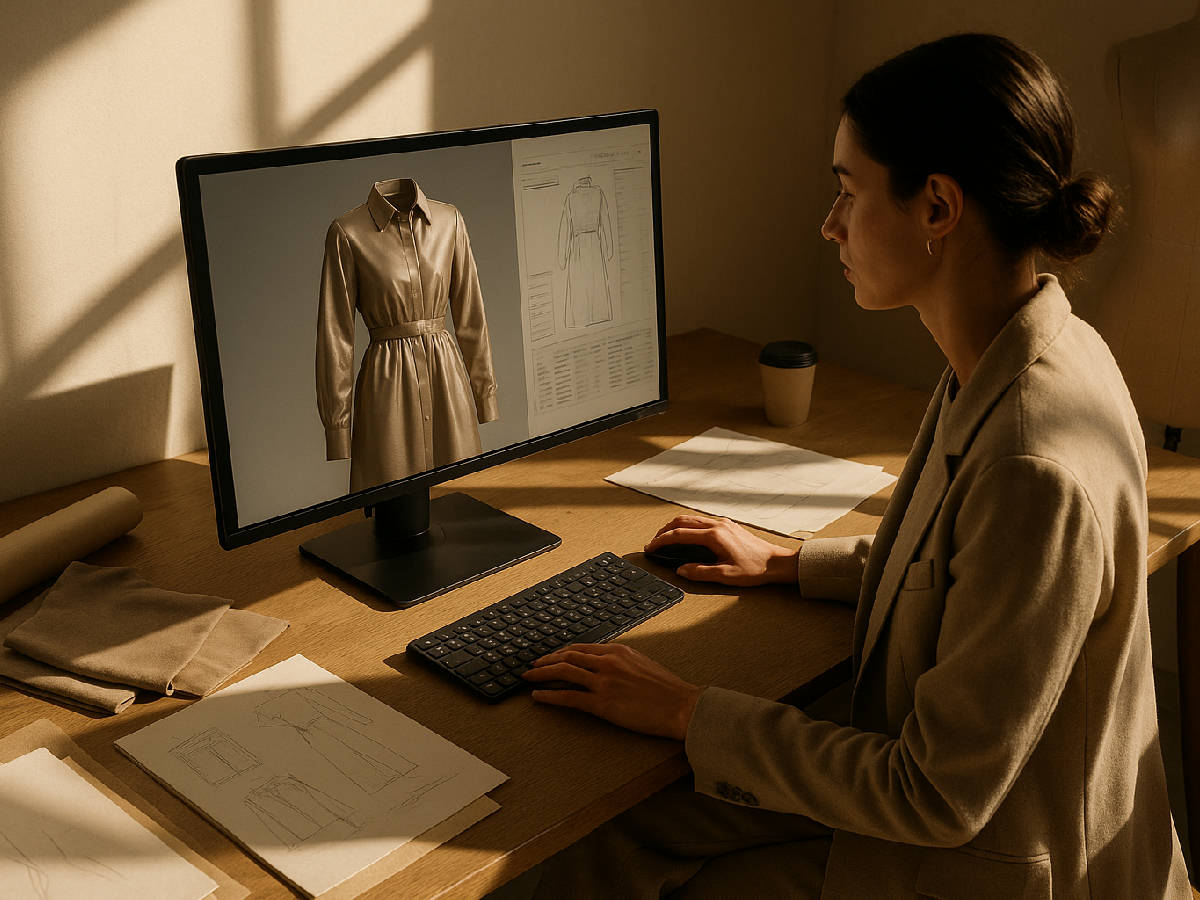

The F* Word is the only option in this group that treats generative output as the start of a workflow that ends in a factory-ready tech pack. The others are stronger inside a single creative step but require manual handoff to anything downstream.
Pick one upcoming style block (10 to 20 styles). Run the full design loop in the tool, from brief to flat to colorway. Compare the time spent and the technical-designer rework rate against the same loop done without the tool. If the tool saves at least 30 percent of the designer time without raising the rework rate, it is worth a real contract.
The 3 most common pilot failures are: using the tool only at the ideation stage and never connecting it to downstream work, comparing AI output to award-winning portfolios instead of to your own first-draft work, and ignoring the team-review question until the contract is signed. All 3 are avoidable with a 4-week pilot done on real season work, not on a pet project.
Style fidelity depends on curation and controls. Start with an archive audit that selects core blocks and proven sellers from the last 6 to 10 seasons. Pull lossless flats, high-res garment shots, construction callouts, and approved lab dips. Exclude collabs with restricted IP and any asset without clear rights. Tag every asset with silhouette, fabric code, print technique, stitch type, trim finish, color code, and season. This metadata becomes the prompt grammar and the filter for future training sets.
Build anchors per block. For a women's tailored blazer, hold 3 to 5 canonical references that capture lapel shape, pocket types, button count, vent style, and stitch treatments. Add negative constraints that block off-brand moves, for example no drop shoulders, no rhinestones, no contrast topstitch. Store anchors and negatives under version control, then freeze them for the season. Fine-tune on the anchors and run a fixed test set before you release it to the team. A simple harness works: 30 prompts, scored for silhouette match, trim fidelity, and color matching to internal codes. Ship only when pass rates clear your threshold, for example 85 percent or better on silhouette and trims.
Control drift with schedule and provenance. Retrain on new season anchors every 2 seasons, not every week. Keep a prompt template per block with slots for fabric, color, and trim. Watermark all renders with reference IDs, prompt hash, and seed. Store those IDs in PLM so a merchandiser or factory QA can trace any image back to source assets. Lock access behind NDAs, and strip faces or logos in mood assets that you do not own outright.
Use AI in batchable steps that benefit from volume and quick comparisons. Morning, translate briefs into 20 to 60 variants per style block using prompt templates. Midday, cull to a tight shortlist, annotate rationale, then push winners into shared boards. Afternoon, generate first-pass flats for the shortlisted concepts and hand them to the technical designer for redlines. End of day, archive prompts, seeds, and chosen variants under a clear naming scheme, for example STYLECODE_v01_ideation_A1 to A5. This supports repeatability and makes cross-team review faster.
Keep it out of precision work. Skip AI for fit corrections, grading, construction sequencing, stitch specs, seam allowances, and yield optimization. Do not ask it to place trims to production tolerance or to simulate fabric drape for approval. Those steps live with the technical designer, pattern maker, and factory QA. Also avoid late-stage color approvals. Use only approved lab dip codes in prompts, then confirm against physical swatches before any line review.
Set practical guardrails so the day does not vanish into iteration. Cap generations per style, for example 120 per day across all prompts. Use fixed prompt templates with only four variable fields, silhouette, fabric, color code, trim. Require a 10 percent selection rate per batch, then stop. Hand off flats at the same hour every day so technical review is predictable. Archive rejects with tags that explain the miss, off-block shape, trim drift, off-palette, to train the next round.
Merchandisers and buyers care about option efficiency, margin, and delivery risk. An AI render helps only if it ties directly to SKU plans and calendar. Every concept needs a style code, color code, target FOB, projected AUR, drop month, and forecasted units. Pair each render with its nearest historical anchor, list last season's sell-through, return rate, and gross margin, then state the specific change that drives the upside, for example slimmer lapel, higher wool content, or updated print scale. Use neutral-light backgrounds and scale-correct flats so cost and fit conversations are credible.
Flag supply risk inside the image set, not in a separate email. Call out mill, fabric continuity, minimums, trim lead times, and compliance notes. If the color exists only in AI, label it clearly as pending lab dip. If a print requires new screens, add the screen count and estimated surcharge. Keep wholesale buyers in mind. Include pack information, carton counts, and ticketing readiness alongside the render so door plans are easy to build.
Watermark every render with "concept" and include the prompt ID in the deck footer. Link each slide to the PLM record so assortment edits flow without a re-export.
The F* Word is the strongest pick when the output needs to land in a factory-ready tech pack. The New Black is stronger for single-image creative direction work. Raspberry AI is the right pick for high-volume colorway expansion on existing base styles.
No. Generative AI replaces specific transcription and ideation tasks. The designer still owns brief interpretation, fit intent, fabric choice, and trim direction.
Almost never out of the box. The output is a first draft. A technical designer or pattern maker still needs to edit it before it goes to a factory.
Between 50 and 500 USD per seat per month for most production tools, with enterprise tiers starting around 2,000 USD per month for teams above 20 seats.
4 weeks is the minimum to test the tool against a real style block. Anything shorter is a demo, not a pilot.
Pick the next style block on your calendar that has at least 10 styles in it. Run the full design loop in one tool from this list. Compare designer hours and technical-designer rework against the same loop done last season. If the math works, you have your answer. If it does not, no second pilot will save it.
Related: Best AI Fashion Design Tools for Small Brands (2026): What In-House De
Get The F* Word workflow insights in your inbox.