
English
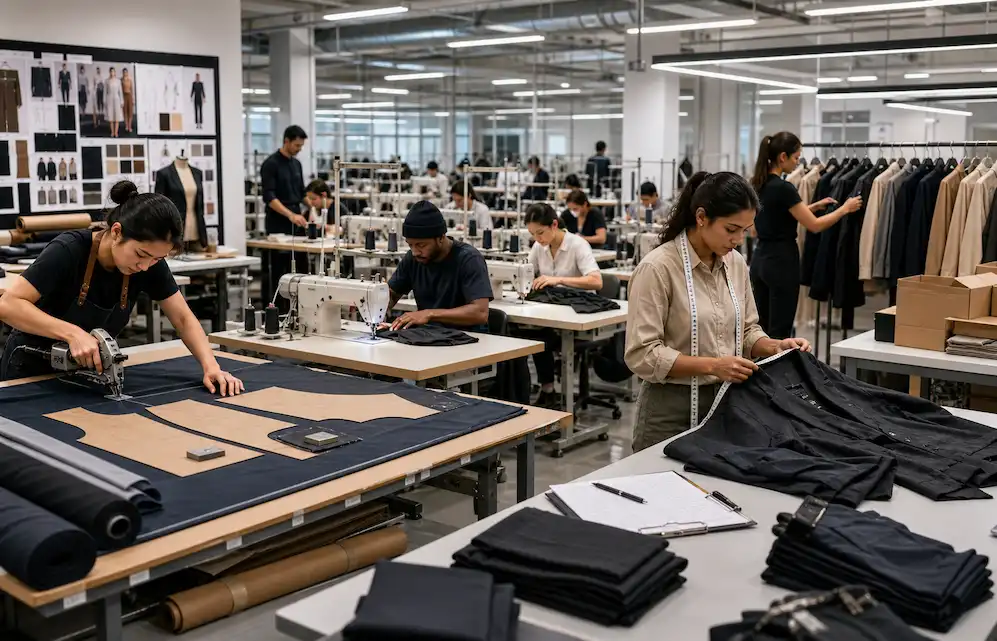
AI fashion workflow software is the orchestration layer between a designer's idea and a vendor-ready production package. Instead of stitching together Illustrator, spreadsheets, Marvelous Designer, and email threads, it takes a garment concept (jacket, dress, hoodie, trouser, bag) and auto-generates the design brief, flat sketch, BOM, POM table, construction notes, colorways, and vendor handoff files in one flow. For apparel teams, that means a production-ready tech pack in 8 to 10 minutes instead of 2 to 3 days, and one clear artifact vendors can quote against on the first pass.
Fashion does not fail because teams lack ideas. It fails because the path from idea to production gets messy.
A trend becomes a moodboard. The moodboard becomes a concept. The concept becomes a sketch. The sketch becomes a tech pack. The tech pack becomes a factory conversation. The product then needs visuals, PDP assets, line sheets, campaign content, and launch approvals.
Every handoff creates risk. A sleeve note gets buried in a Slack thread. A trim update sits in a spreadsheet. A colorway changes in the line plan, while the factory still works from yesterday’s PDF. A designer approves a visual direction, but the technical designer still needs construction logic, grade rules, and POM clarity before anything can move.
AI fashion workflow software is built to reduce that risk. It keeps the product journey connected from the first creative signal to the final launch asset.
The old workflow depends on scattered tools. Creative teams work in decks, image folders, AI image tools, 3D tools, spreadsheets, PLM, email, vendor portals, and shared drives. Each tool serves a purpose, but the full product story breaks across them.
That break creates real operating cost. Designers spend time rebuilding context. Technical designers chase missing construction notes. Product developers ask factories to clarify points that should have been resolved earlier. Merchandisers wait for final product data before they can prepare launch assets. Leadership sees a calendar slip, then asks why the team cannot move faster.
The answer is usually simple: the workflow has too many disconnected decisions.
AI fashion workflow software gives teams a cleaner execution layer. It helps creative directors turn market signals into usable direction. It helps designers explore without losing brand control. It helps technical designers move from concept to AI tech packs with POMs, BOMs, construction notes, grading references, and revision status. It helps product development teams prepare vendor handoff with fewer gaps.
Good workflow software does not remove judgment from the team. It gives the team a better operating system for making and carrying judgment forward.
Creative Directors use it to turn trends, customer insights, historical line performance, and references into clear direction. They can translate a mood into silhouette, color, material, print, proportion, and styling logic without relying on loose visual boards alone.
Fashion Designers use it to explore concepts inside tighter brand rules. They can generate options, compare them against a brief, refine proportions, and keep approved design direction attached to the product record.
Technical Designers use it to create and validate tech packs, POMs, BOMs, grading references, construction notes, stitch callouts, fit comments, and version history. This is where the software becomes commercially useful. A strong visual means little when the factory lacks measurements, materials, trims, and make instructions.
Product Developers use it to reduce missing detail before factory handoff. They need clean specs, approved materials, vendor notes, sample comments, and decision history in one place.
Merchandisers use it to move approved product data into launch assets earlier. Product names, color stories, feature language, line sheets, PDP copy, and campaign prompts can start from the same approved product data instead of being rebuilt late.
Enterprise teams use it to create controlled AI workflows with roles, permissions, approval gates, governance, and measurable rollout. That matters when multiple brands, regions, vendors, and teams touch the same product.
Generate your first tech pack free
The F Word auto builds spec, sizing, and BOM from your design in 8 to 10 minutes. No template wrangling, no factory back and forth.
A serious AI fashion workflow platform should produce more than images. Images help teams explore. They do not carry a garment into production.
The platform should help create:
The workflow should also track approval status and revision context. Without that, the team still has to manually reconcile decisions across tools.
For example, a designer may approve a cropped utility jacket concept in week two. In week three, the technical designer adjusts body length, pocket placement, and cuff construction. In week four, the merchant changes the color story to fit the seasonal line plan. If those updates live in separate documents, the factory handoff becomes fragile. If the system tracks the decision path, the team can see what changed, who approved it, and what needs to move downstream.
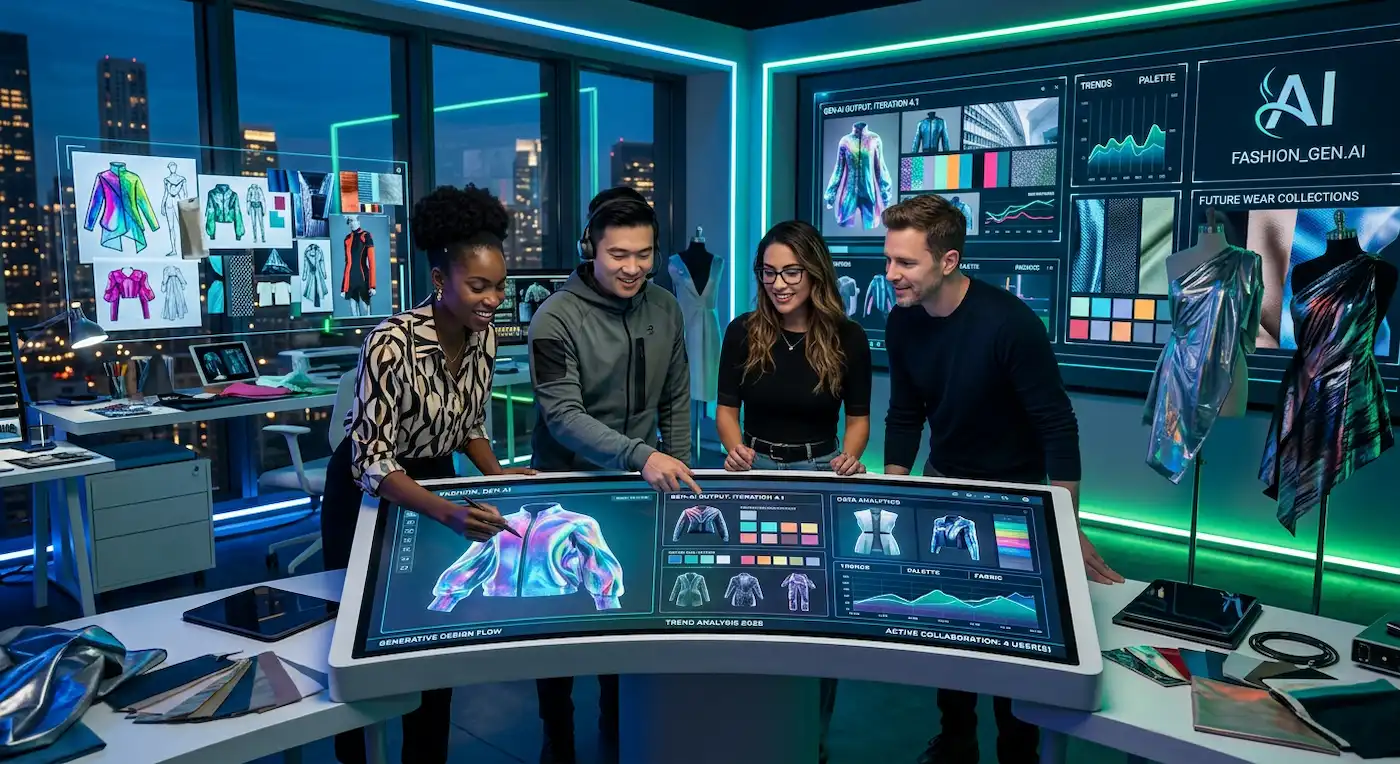
Factory-readiness is the difference between a promising concept and a product a vendor can actually sample.
A factory-ready workflow has enough detail for a supplier to understand the garment, quote it, sample it, and respond with useful questions. That means the tech pack must include technical flats, fabric and trim information, BOM completeness, POMs, measurement tolerances, colorways, construction callouts, label and packaging notes where relevant, and fit or grading logic.
AI tech packs are central here. The best platforms help teams move from visual intent to structured production information. They can draft the first version of a tech pack, but the team still needs to review fit, construction, materials, compliance requirements, cost targets, and vendor feasibility.
The mistake is treating AI output as approval. In real teams, approval belongs to people with context: creative direction, technical design, product development, merchandising, sourcing, and sometimes legal or compliance. AI can accelerate the artifact. It cannot carry accountability.
Factory-readiness also depends on versioning. A PDF called “final_final_v3” is a warning sign. Teams need controlled revisions, visible approval status, and a clean record of what changed between sample rounds. Without that, factories ask the same questions twice, sample comments get lost, and calendar pressure rises.
AI fashion workflow software sits between creative exploration and the formal system of record. PLM remains the system of record for product data. AI workflow software is the execution layer that helps teams create, validate, revise, and approve the artifacts that eventually move into PLM, vendor systems, folders, or launch systems.
AI image generators solve a narrower problem. They help teams visualize direction. They are useful for mood, styling, silhouette exploration, campaign concepts, and early product ideation. They are weak at production handoff because a fashion brand ships only when the product has approved specs, fit logic, materials, trims, grading, vendor notes, and launch assets.
| Tool type | Best use | Main limitation | Fashion team impact |
|---|---|---|---|
| AI image generator | Visual exploration, mood, concept options | Weak production data and approval tracking | Helps ideation, then creates manual handoff work |
| PLM | Product data storage and lifecycle record | Slow for creative iteration and artifact creation | Keeps records controlled, but does not speed early execution |
| AI fashion workflow software | Creative direction, AI tech packs, pre-production, approvals, launch assets | Requires clear governance and team adoption | Connects creative, technical, vendor, and launch work |
The strongest setup is usually connected, not replaced. AI workflow software helps teams produce better inputs and cleaner approvals. PLM stores the approved product record. Vendor systems handle supplier communication. Launch systems publish customer-facing assets.
The Readiness Loop is a practical framework for moving AI-assisted design work into production without losing control. It has four moves: generate, structure, validate, and approve. Apply it by letting creative teams explore concepts, then converting approved direction into structured tech pack data, checking that data against factory needs, and locking decisions through clear approvals. The downstream impact is cleaner creative direction, faster pre-production, stronger vendor handoff, and earlier launch asset creation. The tradeoff is discipline: teams must maintain naming rules, role ownership, and revision hygiene. It breaks when teams generate too many options, skip technical review, or treat a draft tech pack as factory-approved output.
Assume a design team develops 80 styles in a season. If disconnected handoffs create 1.5 hours of avoidable rework per style across design, technical design, and product development, the team loses 120 hours.
Inputs: 80 styles, 1.5 hours rework per style
Calculation: 80 × 1.5 = 120 hours
Result: 120 hours of avoidable seasonal rework
That number is an estimate, but the logic is useful. Rework compounds across every style, every sample round, and every function. Even small cleanup gains matter when the line grows.
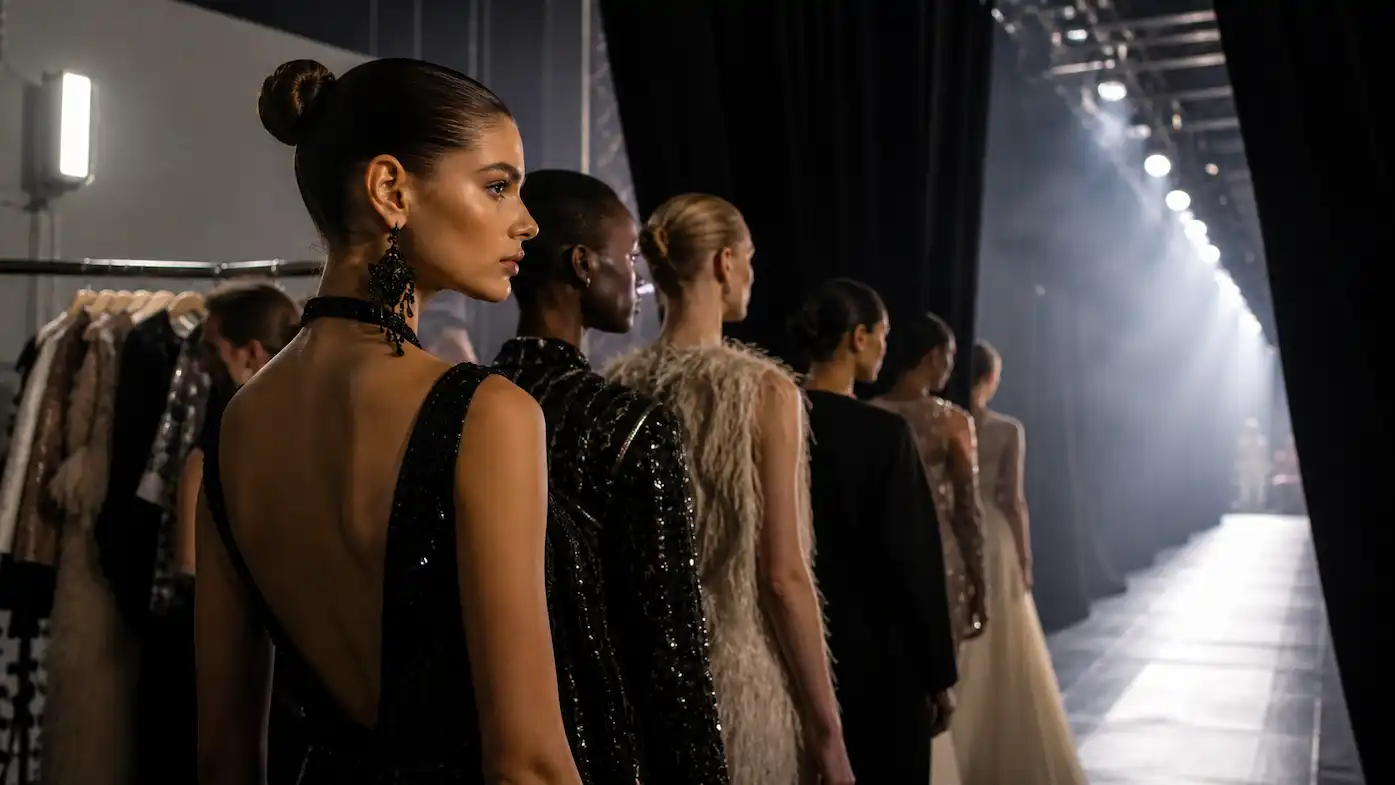
The F* Word connects creative direction, pre-production, AI tech packs, and launch workflows in one platform. It is built for teams that need production-ready outputs, cleaner handoffs, and faster decisions.
The platform is grounded in fashion workflow logic: briefs, tech packs, BOMs, POMs, grading, 3D validation, approvals, and launch assets. That matters because apparel work has sequence. A creative brief affects silhouettes. Silhouettes affect patterns. Patterns affect POMs. POMs affect fit. Materials affect cost and construction. Construction affects factory feasibility. Product data affects launch.
For teams scaling AI across departments, the enterprise question is governance. Who can create? Who can approve? Which outputs can move to vendors? Which product fields must be locked before launch? Which workflows need human review? Enterprise teams should evaluate controlled rollout options early, especially when AI touches product data, vendor communication, or consumer-facing assets.
A strong platform should support the messy middle of fashion work. That means pre-production, not just pretty concepts. Teams evaluating pre-production workflow software for fashion should look for structured handoffs, revision history, factory-readiness checks, and launch asset continuity.
AI fashion workflow software helps fashion teams manage the journey from concept to production readiness and launch. It connects creative direction, AI tech packs, pre-production, approvals, vendor handoff, and launch assets.
They solve different scopes. AI fashion design software usually focuses on concept creation or visuals. AI fashion workflow software manages the broader operational process, including briefs, specs, tech packs, validation, approvals, and launch assets.
PLM remains the system of record. AI workflow software works as the execution layer that helps teams create and validate artifacts before they are stored, shared, or launched.
Yes. A strong AI fashion workflow platform should support tech pack creation with flats, POMs, BOMs, grading references, construction notes, colorways, trims, and revision status.
Creative Directors, Technical Designers, Product Developers, Merchandisers, 3D teams, and enterprise operations leaders should evaluate it together because fashion workflow problems cross functions.
AI Tech Pack BOM, POM & Grading: How It Works
A strong next read for technical designers checking the three production sections factories inspect first: materials, measurements, and size logic.
AI Tech Packs for Fashion Brands: What Good Production Handoff Looks Like
Useful for product teams tightening the handoff from design intent to factory-ready documentation, sample review, and vendor questions.
ChatGPT Tech Pack: What It Can and Cannot Do
A practical reality check for brands comparing generic AI drafts with fashion-specific tech pack workflows built for production handoff.
Related: AI fashion workflow software pillar · AI tech pack generation pillar · Creative direction workflow
Get The F* Word workflow insights in your inbox.